
Available options are listed below:
Excel Pivot Tables & Introduction To Dashboards The Step-By-Step Guide
| AUTHOR | Benton, C. J. |
| PUBLISHER | Createspace Independent Publishing Platform (01/04/2017) |
| PRODUCT TYPE | Paperback (Paperback) |
Learn how to create Pivot Tables quickly and easily with this step-by-step guide!
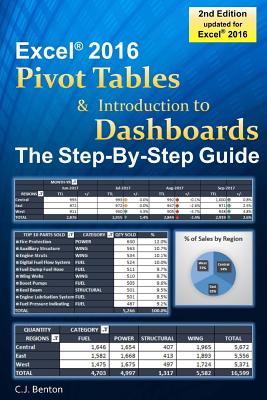
Updated for Microsoft(R) Excel(R) 2016! This book provides easy to follow step-by-step examples with screenshots demonstrating how to create Pivot Tables and basic Dashboards.
- Organize and summarize data
- Format & filter Pivot Table results
- Create Pivot Charts
- Display averages & percentages
- Group data into predefined ranges
- Use Slicers
- Rank results
- Apply calculated fields
- Create Pivot Table reports from imported files
- And more!
In addition to the above, you will also learn how to create, format, and update a basic Dashboard using Pivot Table data. Including how to incorporate charts and performance symbols into your reporting.
A great resource for:- Business Analysts
- Data Analysts
- Financial Analysts
- Administrative and Support staff
Imagine the time you'll save by not having to search the internet or help files to learn the most practical ways of using one of Microsoft(R) Excel's(R) best features!
Learn how to create Pivot Tables quickly and easily with this step-by-step guide!
Updated for Microsoft(R) Excel(R) 2016! This book provides easy to follow step-by-step examples with screenshots demonstrating how to create Pivot Tables and basic Dashboards.
- Organize and summarize data
- Format & filter Pivot Table results
- Create Pivot Charts
- Display averages & percentages
- Group data into predefined ranges
- Use Slicers
- Rank results
- Apply calculated fields
- Create Pivot Table reports from imported files
- And more!
In addition to the above, you will also learn how to create, format, and update a basic Dashboard using Pivot Table data. Including how to incorporate charts and performance symbols into your reporting.
A great resource for:- Business Analysts
- Data Analysts
- Financial Analysts
- Administrative and Support staff
Imagine the time you'll save by not having to search the internet or help files to learn the most practical ways of using one of Microsoft(R) Excel's(R) best features!